

Information Communication Technology (ICT)
INFORMATION COMMUNICATION TECHNOLOGY
The evolution of Educational Technology (EdTech) has transformed the way teaching and learning take place in our classrooms. To support engaging and meaningful learning experiences grounded in sound teaching practices, our teachers use a range of EdTech tools and platforms, including the MOE Student Learning Space (SLS), Koobits, E-Zhishi, and other age-appropriate digital tools.
At the same time, students are equipped with foundational digital skills such as basic operational skills, responsible use, and safe online behaviours, which are developed progressively across the primary school years to ensure learning is well-scaffolded and appropriate to their developmental needs.
Baseline Digital Skills
The following table outlines the basic digital skills that students acquire at key junctures.
| Key Junctures | Basic Digital Skills | SLS Learning Resources |
|---|---|---|
| Primary 1 | Perform basic operations of computing devices | Basic Operations of Computing Devices |
| Log in and set passwords | Login and Passwords | |
| Perform basic operations of applications | Basic Operations of Applications | |
| Navigate SLS | SLS Onboarding (P1) [Guide for Parents] | |
| Primary 2 | Demonstrate keyboarding skills | Basic Keyboarding Skills |
| Primary 3 & 4 |
Understand basic software operations related to data storage and file sharing | Basic Operations related to Data Storage and File Sharing |
| Use basic software operations to create text-based digital artefacts | Learn to use Word Processing Tool | |
| Understand basic information and application of AI in daily lives and how it impacts learning | Basic Module on AI and AI-enabled Features in SLS |
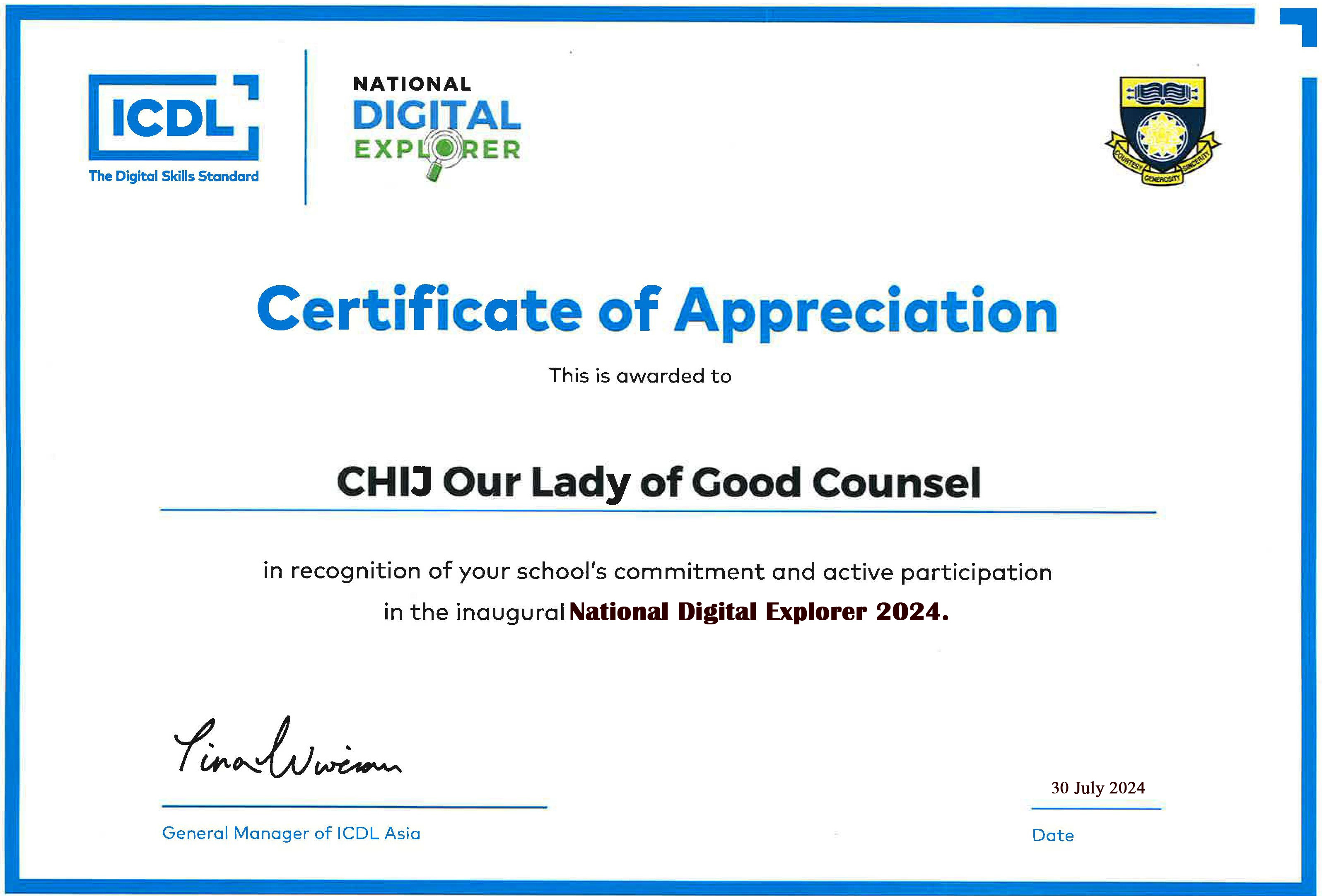
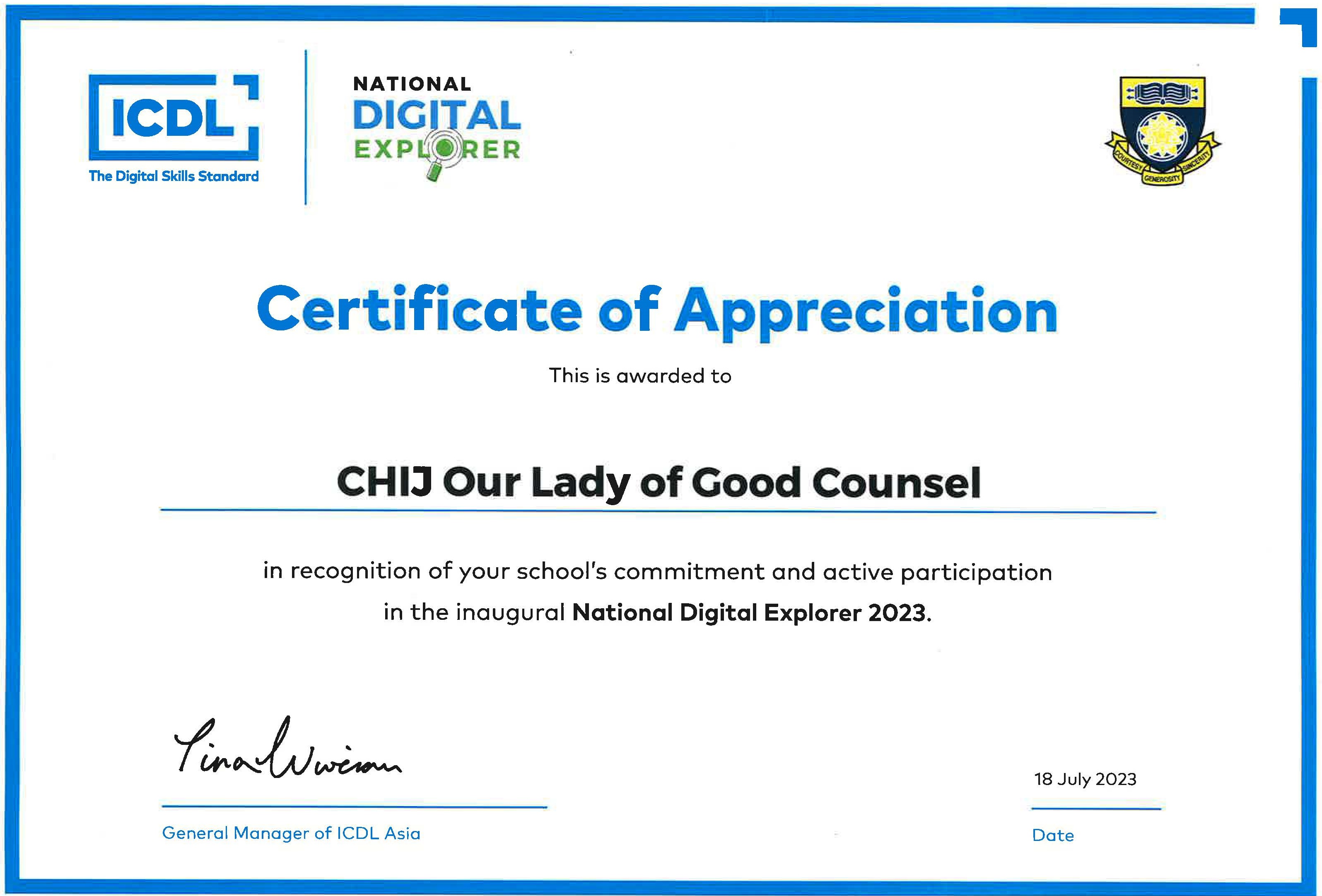
National Digital Explorer Programme for Primary 4 students
All Primary 4 students participate in the National Digital Explorer Programme, an e-learning module designed by ICDL Asia, the world’s leading computer skills certification.
The programme is designed to
- develop digitally fluent students equipped with the mastery of practical digital skills for the future digital workplace and
- encourage students to be self-directed learners who take ownership of their learning.
Students enroll in an e-learning module covering skills in office productivity applications such as word processing (Microsoft Word), spreadsheets (Microsoft Excel) and presentation (Microsoft PowerPoint). This e-learning module complements and reinforces the digital skills acquired in the school’s ICT Training programme.
Code-For-Fun Programme by IMDA
The Code-for-Fun programme introduces Primary Six students to computational thinking as a fun and practical way to solve problems, both in school and in everyday life. Through hands-on activities, students learn to think logically by breaking down complex problems into smaller, manageable steps.
Using tools such as the Sphero robot, students are introduced to basic programming concepts and work collaboratively to plan and create simple programmes together. The programme also provides early exposure to emerging technologies, including Artificial Intelligence (AI), while helping students develop an awareness of the responsible and ethical use of technology.
Cyber Wellness
The Cyber wellness Framework uses the “Think, Sense and Act” Approach to educate students on how to act responsibly in Cyber Space:
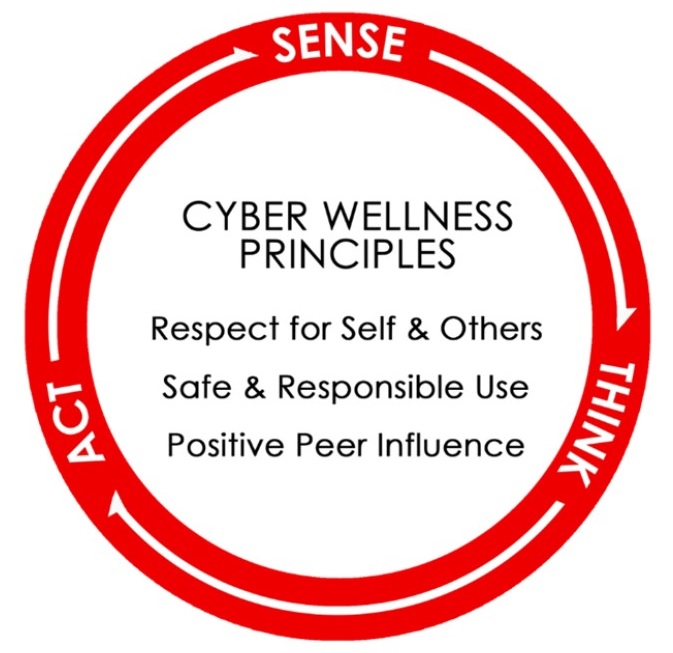
(Image of Cyber Wellness Framework taken from MOE’s Cyber wellness Education, Singapore)
Guiding Principles for Cyber Wellness:
- Respect for Self and Others
Students need to:
- uphold their own dignity when online (e.g. share appropriate content and participate in only legal online activities)
-
respect other people online (e.g. put themselves in others’ shoes, accept diverse views and opinions, give credit when using other people’s work and seek permission where necessary, avoid sharing hurtful materials)
- Safe and Responsible Use
Students need to:
- have an understanding of the risks of harmful and illegal online behaviour, and take steps to protect themselves (e.g. keep their personal information private, verify the reliability of information using various sources, take steps to avoid dangers they may encounter online)
-
make wise and healthy choices (e.g. maintain a healthy balance of their online and offline activities)
- Positive Peer Influence
Students need to:
-
be a positive role model online (e.g. share healthy and positive content, harness the affordances of technology to do good for society)
-
advocate positive online behaviour (e.g. stand up for their peers online, report cases of cyber bullying to a trusted adult/authority, post encouraging remarks on social media)